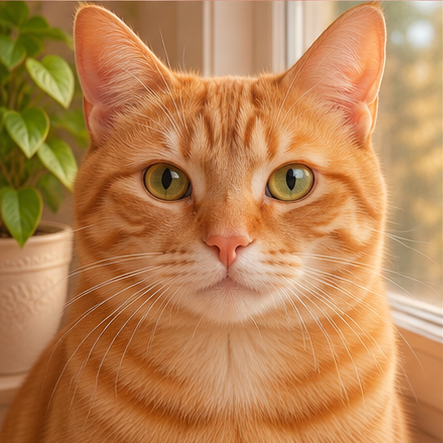
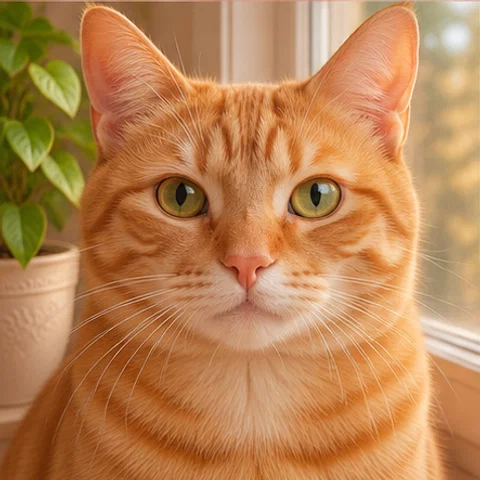
Cat slow blink
Photo · 480×480 · 4 frames · GIF
Turn one photo into a short looping GIF. Pick what it’s for and we’ll set the size.
Your picture
Free downloads include a watermark.
Try a sample480×480 · 8 frames · 150 ms/frame · 1 credit
Output: 480×480Paid credits can also render Large, 960×960.
Photo · 480×480 · 4 frames · GIF
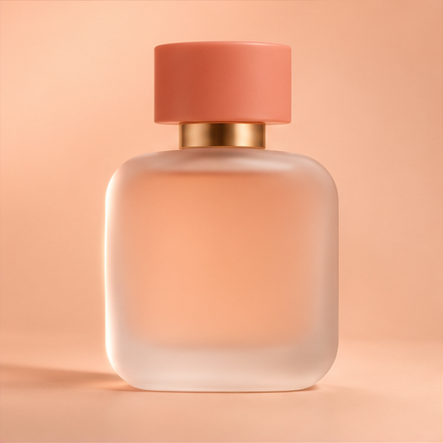
Product shot · 800×800 · 4 frames · GIF
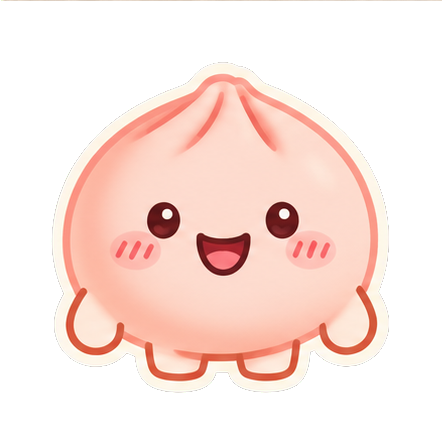
Sticker · 320×320 · 4 frames · GIF
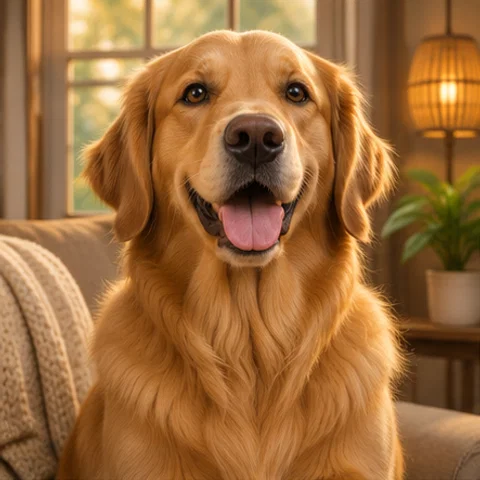
Photo · 480×480 · 4 frames · GIF
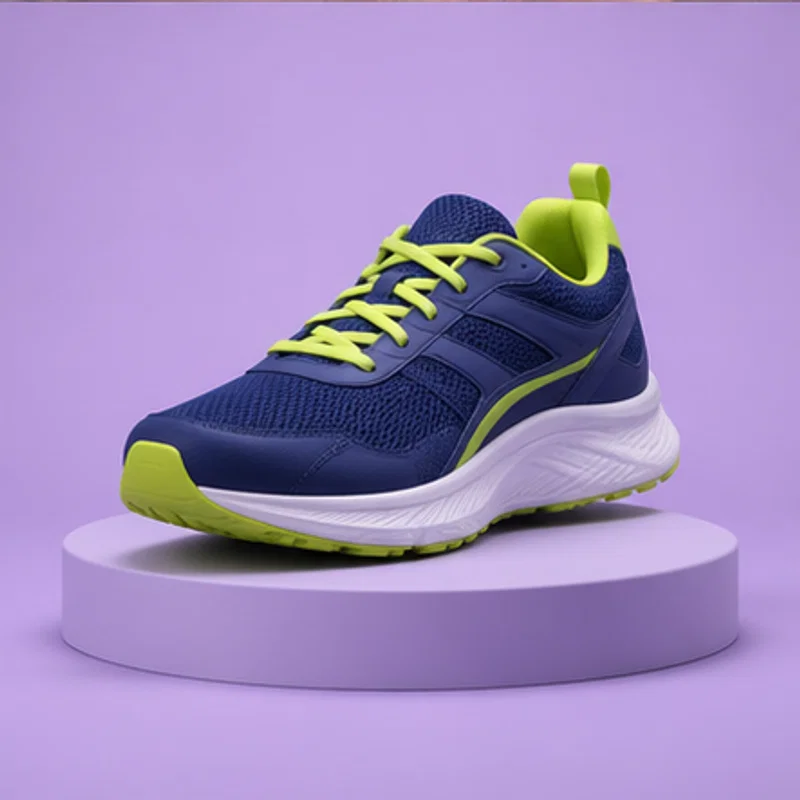
Product shot · 800×800 · 4 frames · GIF
Sticker · 320×320 · 4 frames · GIF

Discord emoji · 128×128 · 4 frames · GIF

Profile picture · 512×512 · 4 frames · GIF

Logo · 512×512 · 4 frames · GIF

Email signature · 600×200 · 4 frames · GIF
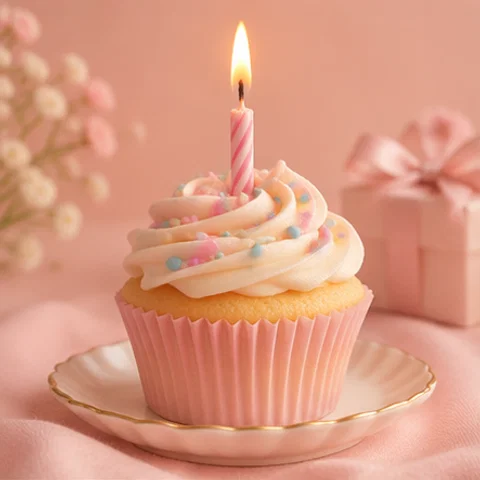
Photo · 480×480 · 4 frames · GIF
Photo · 480×480 · 4 frames · GIF
Popular tools
Each tool knows its platform’s size, background and file limit, so the loop fits on the first try.


The short answer
Updated
Image to GIF AI turns one still picture into a short looping GIF. You upload a JPG, PNG or WebP, choose a motion such as a blink or a slow turn, and the model draws the frames, usually eight. You get a file sized for its use, and your first three tries are free.
How it works
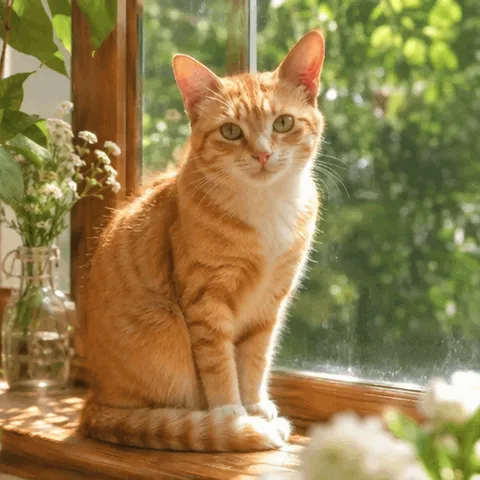 First frame
Drag in a JPG, PNG or WebP up to 20 MB. We crop it to the scene's shape automatically, and you can drag the crop box if the subject sits off center.
Tell us what the GIF is for, then pick one of the motions offered for that use. Add a short note of up to 200 characters if you want to steer it.
cat.gifWatch the loop, slow it down or speed it up with the slider, and download. Changing speed costs nothing, because no new frames are drawn.
A normal GIF maker needs several pictures, because a GIF is a stack of frames played in order. If you only own one picture, there are no other frames to stack. Image to GIF AI fills that gap: an image model reads your picture and draws the missing frames, keeping the subject in place while one thing changes, such as an eyelid, a strand of hair or a band of light.
That is why image to GIF AI works from a single upload. There is no timeline and no layer panel. Your decisions are limited to three: what the GIF is for, which motion you want, and whether the first result is good enough to keep.
After the frames come back, a finishing step does the dull work. It compares the first and last frames so the loop doesn't jump, resizes to the delivery size, and compresses to the file limit of the scene you chose.
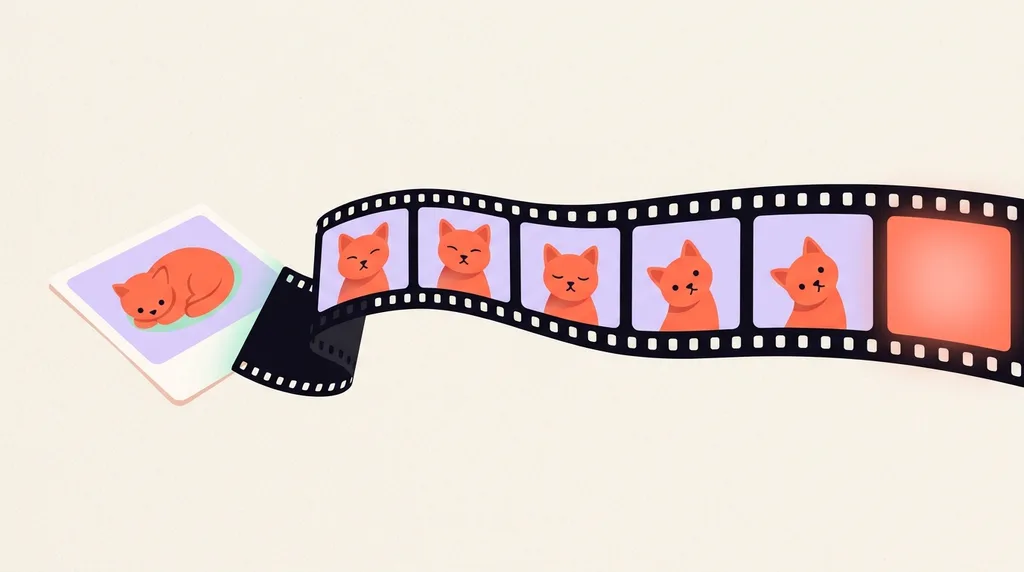
The scene picker in Image to GIF AI matters more than it looks. Each scene fixes the canvas, frame timing, background and formats, so you don't have to look up a platform's limits and then fight an export dialog. Every default uses eight frames, and the loop length below is simply frames multiplied by frame time.
Photo480×480Profile picture512×512Sticker512×512 Discord emoji128×128Logo512×512
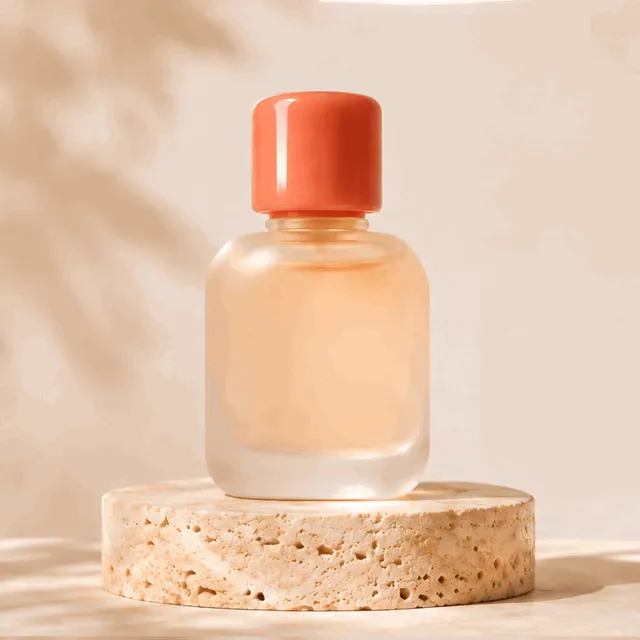 Product shot800×800
 Email signature600×200
| Scene | Size (px) | Frame time | One loop | Background | Formats |
|---|---|---|---|---|---|
| Photo | 480 × 480 | 150 ms | 1.2 s | Opaque | GIF, WebP, MP4 |
| Profile picture | 512 × 512 | 120 ms | 0.96 s | Opaque | GIF, WebP, MP4 |
| Sticker | 512 × 512 | 120 ms | 0.96 s | Transparent | WebP, WEBM, GIF |
| Discord emoji | 128 × 128 | 100 ms | 0.8 s | Transparent | GIF, WebP |
| Logo | 512 × 512 | 150 ms | 1.2 s | Transparent | WebP, GIF, MP4 |
| Email signature | 600 × 200 | 200 ms | 1.6 s | Opaque | GIF |
| Product shot | 800 × 800 | 150 ms | 1.2 s | Opaque | GIF, WebP, MP4 |
Need more control? The advanced panel lets you change the frame count, between 2 and 16, and the frame time. It only offers combinations that pass our size check. Free runs stop at 9 frames.
With image to GIF AI, results depend on the picture more than on any setting. We would rather tell you that now than after you spend a credit. These are the patterns to look for before you upload.
| Your picture | Likely result | What helps |
|---|---|---|
| One clear subject, plain background | Usually the cleanest loop | Fill most of the frame with the subject |
| Face looking at the camera | Blinks and small smiles hold up well | Use a sharp photo with visible eyes |
| Flat logo or cartoon with hard edges | Good for spins, pulses and bounces | Upload the largest PNG you have |
| Group photo | Faces may drift or change slightly | Crop to one person first |
| Small text inside the picture | Letters can warp between frames | Add text afterwards, outside the GIF |
| Dark, blurry or very busy scene | Motion gets lost or smears | Try a brighter, simpler picture |
If a result looks wrong, change the picture or the motion rather than rerunning the same pair. Keeping the motion small is the most reliable fix.
Motion from image to GIF AI is subtle and short by design: 2 to 16 frames, typically 8, so a loop of a second or two. That suits a blink, a wave or a light sweep. It doesn't suit everything, and you will save money by knowing that before you start.
Image to GIF AI is free to start. You get 3 generations with no account, and 5 more when you sign up. Free output has a small corner watermark, renders at standard quality, which is the lower of our two tiers, and is capped at 512 px on larger scenes such as product shots. After that you pick a monthly plan or buy a one-off credit pack. Paid credits remove the watermark and open the full size, Fine quality and the Large size.
| Option | Price | Credits | Credits expire? |
|---|---|---|---|
| Lite plan | $14.99 a month, or $13.99 a month billed yearly | 70 every month | End of each month |
| Pro plan | $29.99 a month, or $27.99 a month billed yearly | 145 every month | End of each month |
| Max plan | $59.99 a month, or $55.99 a month billed yearly | 300 every month | End of each month |
| Starter pack | $6.99 once | 25 | Never |
| Creator pack | $19.99 once | 80 | Never |
| Studio pack | $44.99 once | 200 | Never |
Plans cost less per credit than packs, and yearly billing costs less again while still sending credits monthly. Most GIFs cost 1 credit at Standard quality and 2 at Fine quality. Product shots and the Large size cost a little more, and the tool shows the cost before you start. If a generation fails or is blocked, the credit comes back automatically.
Image to GIF AI sends your picture to OpenAI to produce the frames, so only upload what you have the right to use. We delete originals within 24 hours. Results are private unless you share them. They stay for 30 days on free accounts, and paid results stay until you delete them. We don't use your pictures as examples unless you publish them yourself. Sexual content involving minors and real-person face swaps are banned, and uploads are checked for moderation before and after generation.
Yes. Three generations work with no sign-up. We count them with a cookie, a browser fingerprint and your IP address, and Cloudflare Turnstile checks that you are not a bot. Signing up adds five more.
JPG, PNG and WebP, up to 20 MB. Large pictures are scaled down in your browser before upload, so the long edge is at most 2048 px.
Image to GIF AI draws the frames rather than copying them, so small differences can appear. Smaller motions keep the subject closer to your original. Faces in group shots and tiny text are the most likely to shift.
Yes. The preview slider changes the frame time right away and doesn't use a credit. Your download is then re-encoded at that speed.
Because image to GIF AI works with a small number of frames, 2 to 16. Short loops keep the file small and the subject stable. If you need a clip of several seconds, a video tool is a better fit.
Yes. With any plan or credit pack you can clear the watermark from a GIF you already made, without generating it again.
Published 2026-11-07 · Last updated 2026-11-08